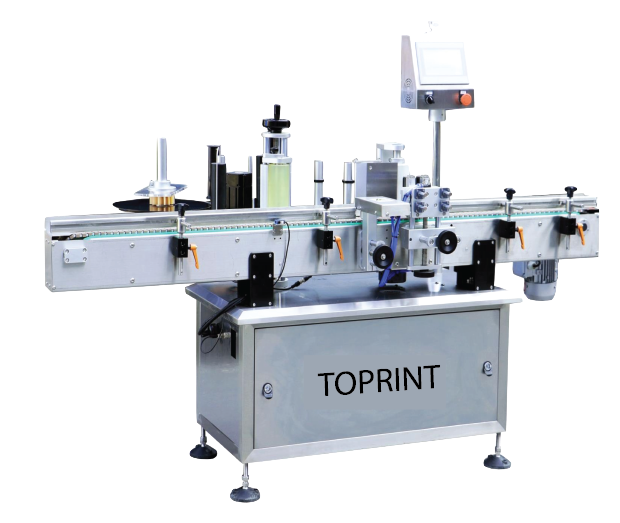
L02
Conveyor and applicator arrangement
A Toprint-branded machine reference showing the conveyor, adjustable guide components, applicator and operator panel.
Enquire about L02View original-size imageENGINEERING, MADE VISIBLE
Explore applicator drawings, assembly views and machine-training references from the Toprint archive. See how the label path, product conveyor and operator controls fit into the application discussion.
23 / 23
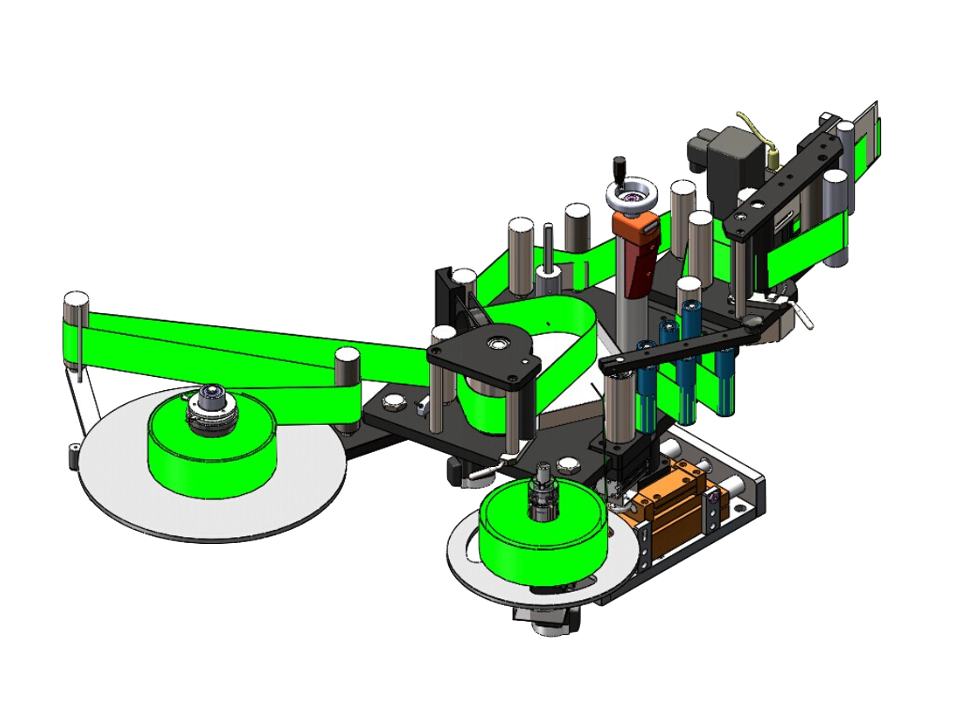
Reels and guide rollers show the route through the applicator. Label roll direction, web tension and threading access need to suit the application.
The product conveyor, guides and application position need to work together around the actual container.
Adjustment access, controls and safe operation matter alongside label placement. Final guarding and safety requirements need a project-specific review.
L02
A Toprint-branded machine reference showing the conveyor, adjustable guide components, applicator and operator panel.
Enquire about L02View original-size image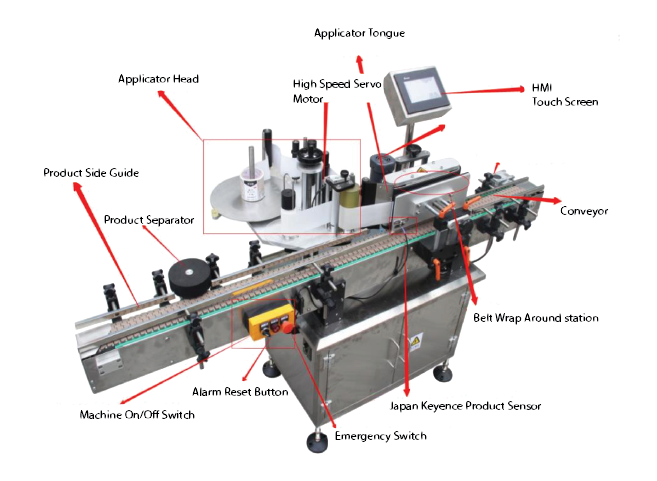
L03
An archived training image identifies the applicator head, product guides, conveyor, controls and wrap-around station. Original image annotations are retained.
Enquire about L03View original-size image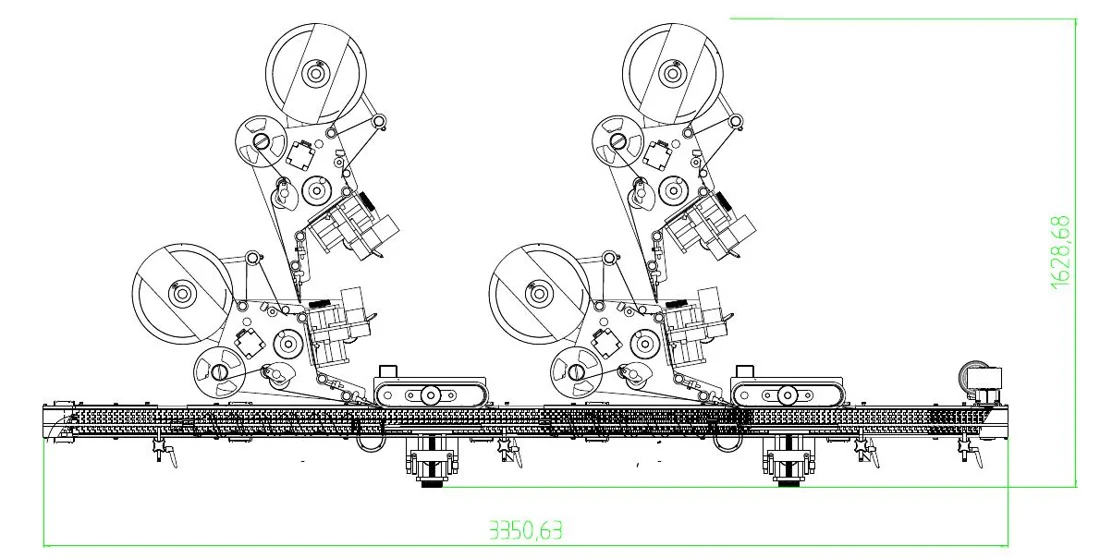
L04
Two reel-fed applicator stations share a straight conveyor. The drawing helps frame a discussion about access around each label path.
Enquire about L04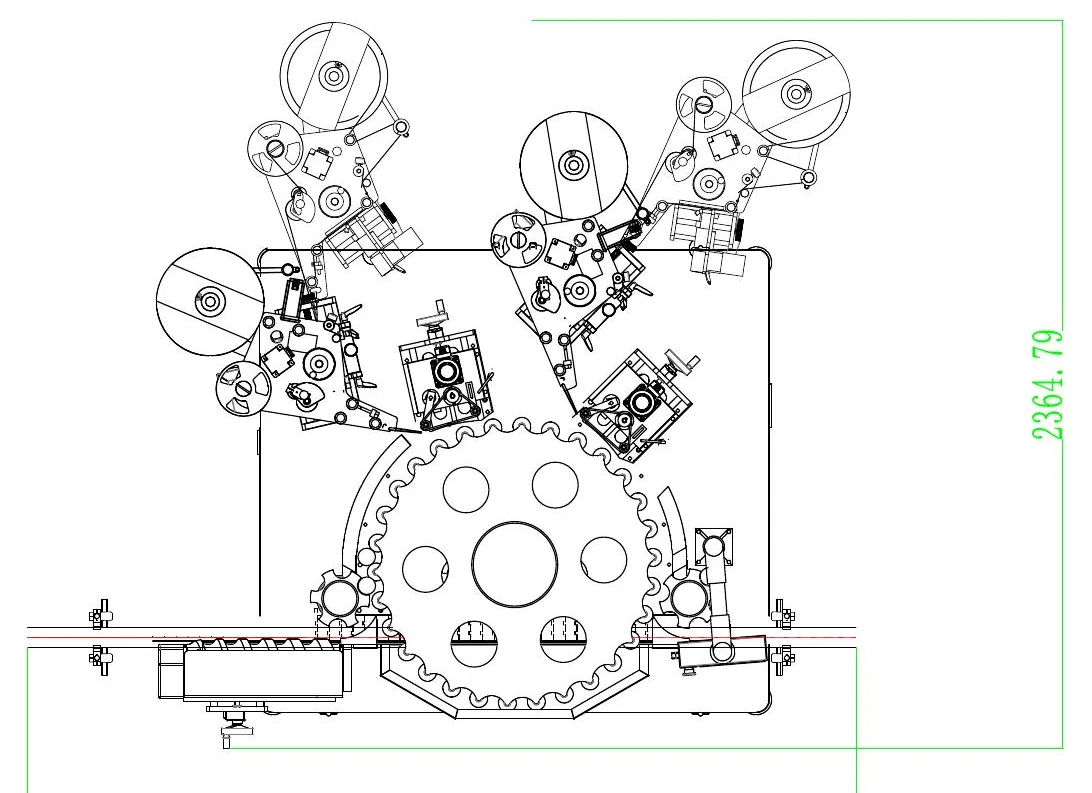
L05
Applicators surround a circular indexing arrangement. The relative station positions make the product route easier to discuss.
Enquire about L05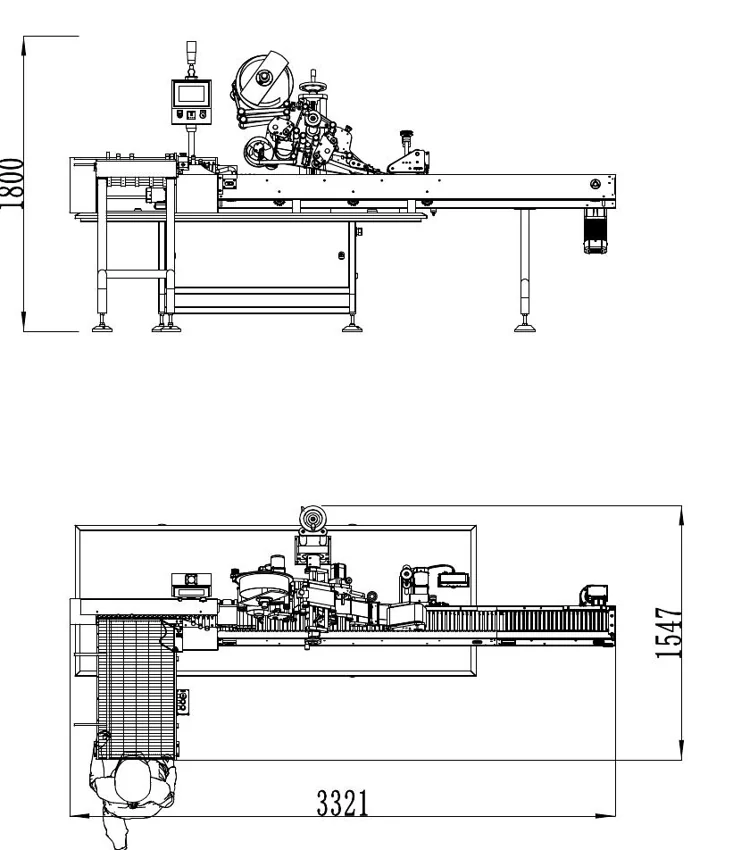
L06
The side and plan views relate the reel-fed applicator to the conveyor and supporting frame.
Enquire about L06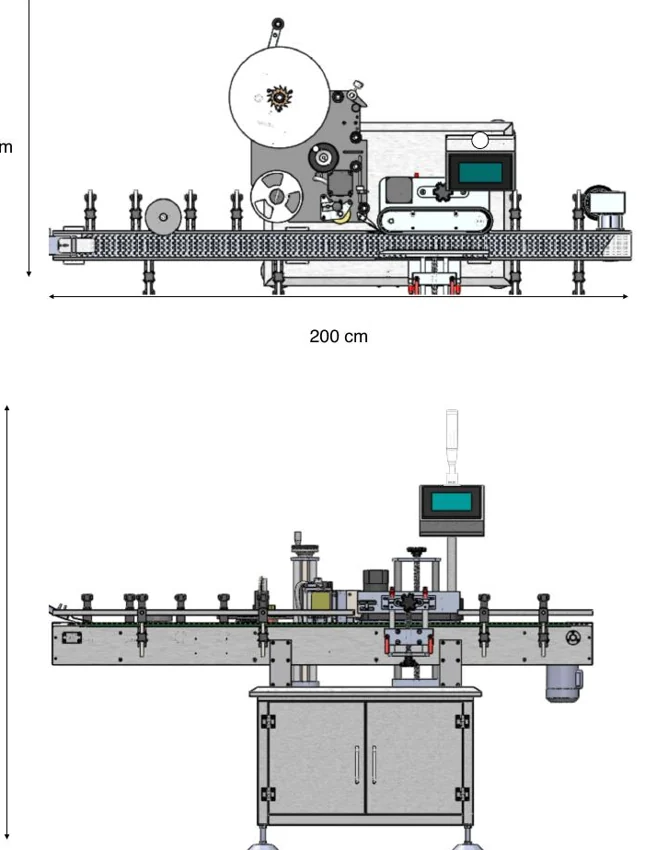
L07
A reel-fed head, conveyor and elevated operator display are shown together in two views. Their arrangement supports a discussion of operator access.
Enquire about L07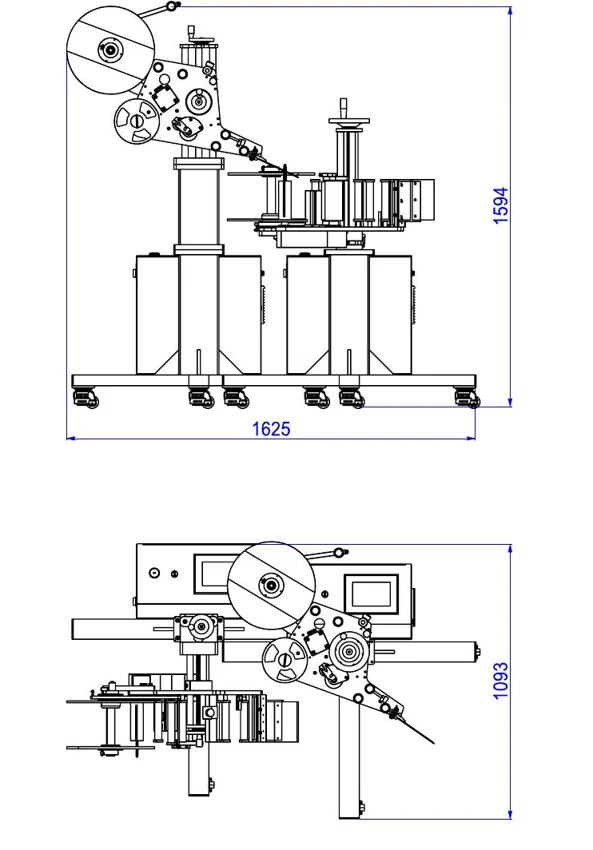
L08
Two orthographic views show a reel assembly above a compact supporting frame and product path.
Enquire about L08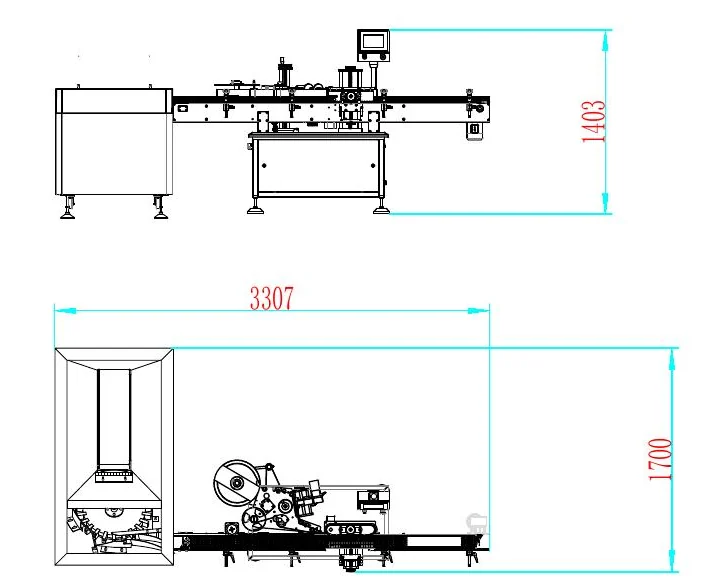
L09
The plan and side views show the application area beside a rectangular enclosure at one end of the conveyor.
Enquire about L09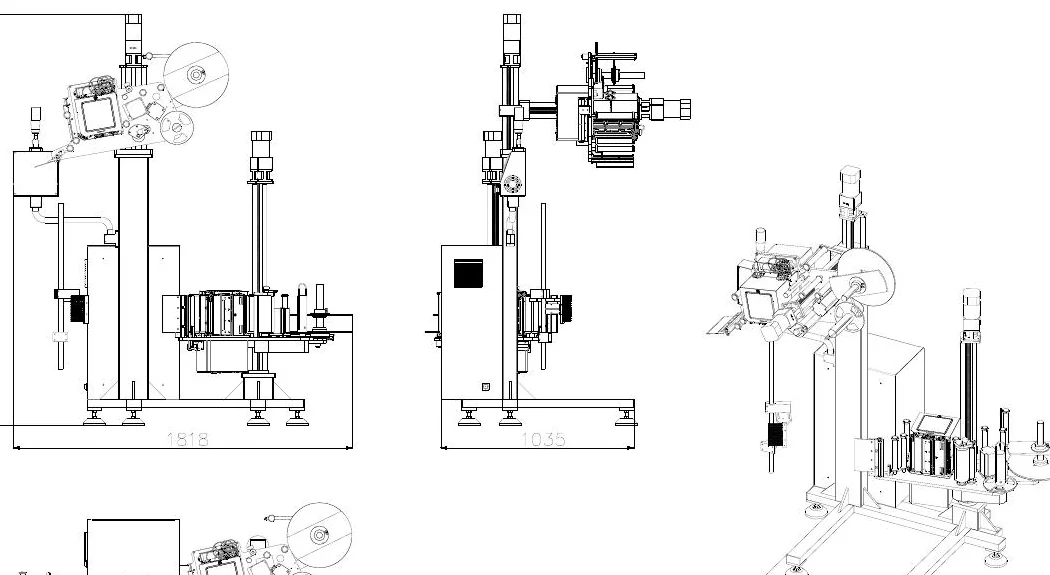
L10
Side, end and perspective views make the height of the supporting stand and the applicator position easier to compare.
Enquire about L10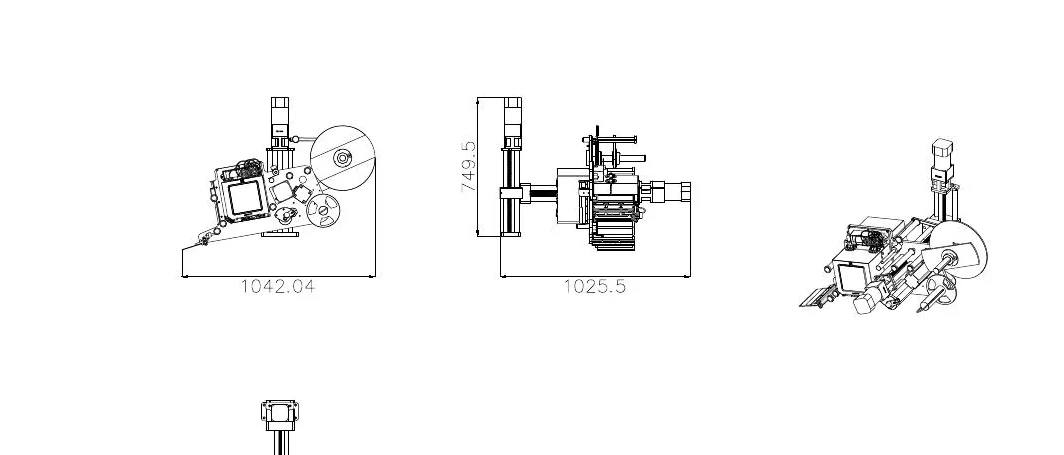
L11
Several views relate a compact reel-fed head to its upright support and adjacent product space.
Enquire about L11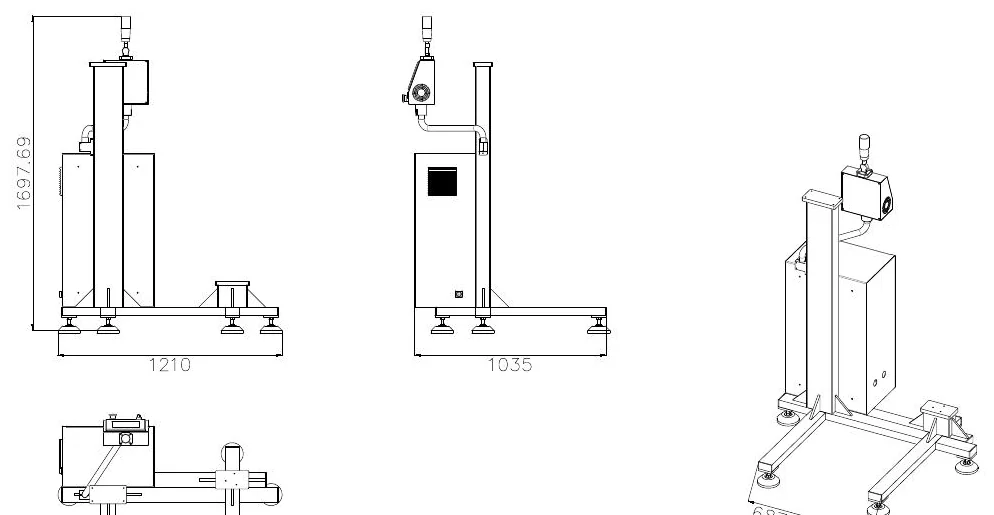
L12
The upright frame is isolated from the full line, making its base, cross-members and height arrangement easier to see.
Enquire about L12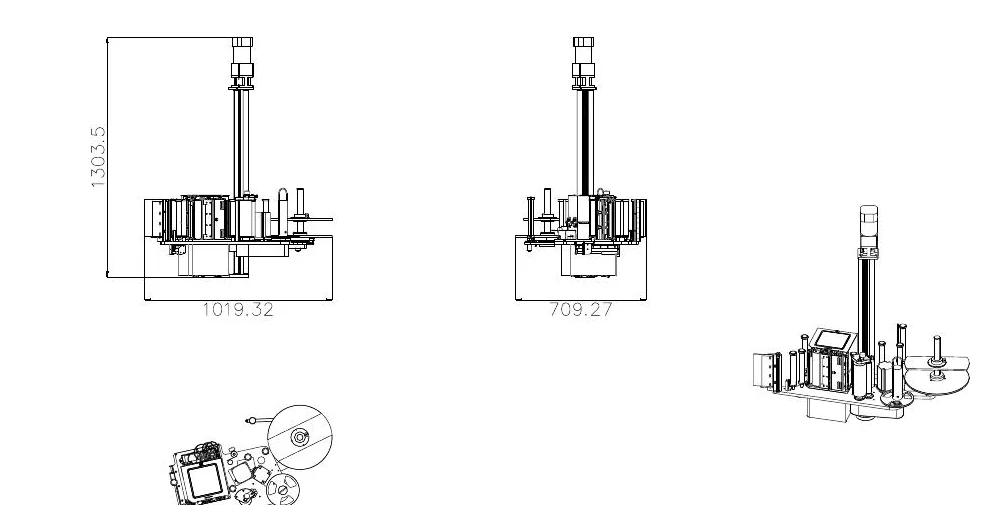
L13
Separate views focus on the head assembly, reel position and compact mounting arrangement.
Enquire about L13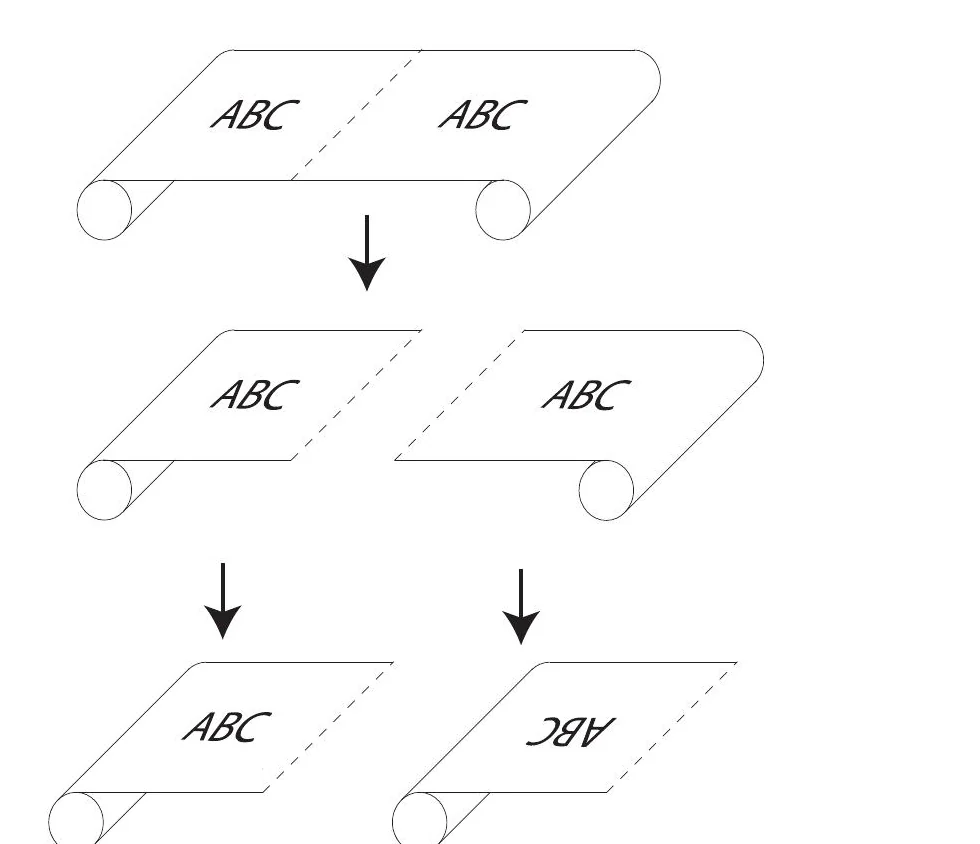
L14
A simple web diagram compares label orientation as a strip is separated into rolls. It is a useful prompt for confirming unwind direction.
Enquire about L14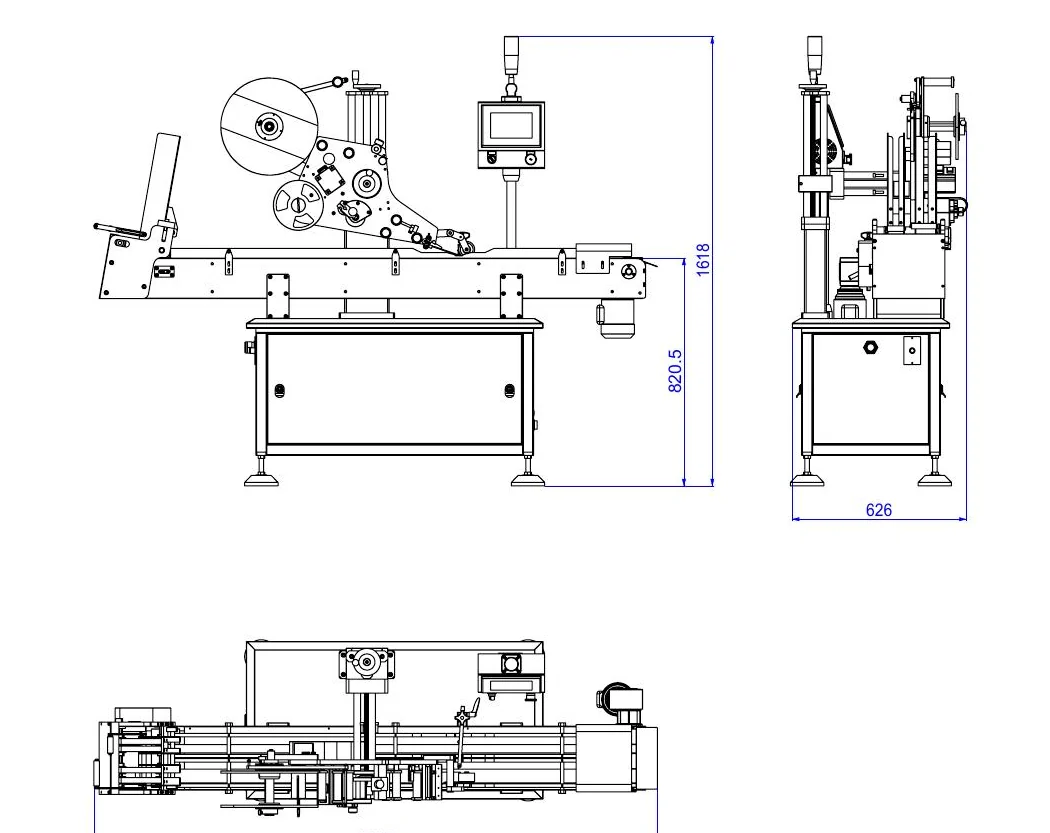
L15
Side, end and plan views show the conveyor, label head and elevated controls as one arrangement.
Enquire about L15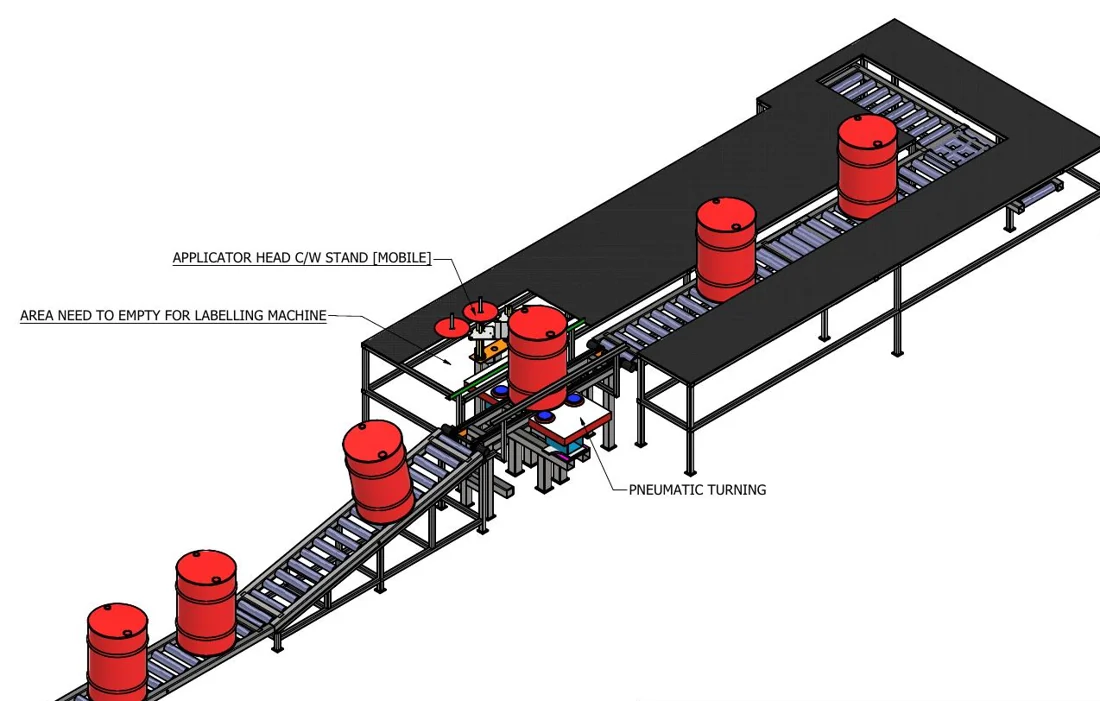
L16
A perspective layout shows red cylindrical containers spaced along a long conveyor with an application station near the centre.
Enquire about L16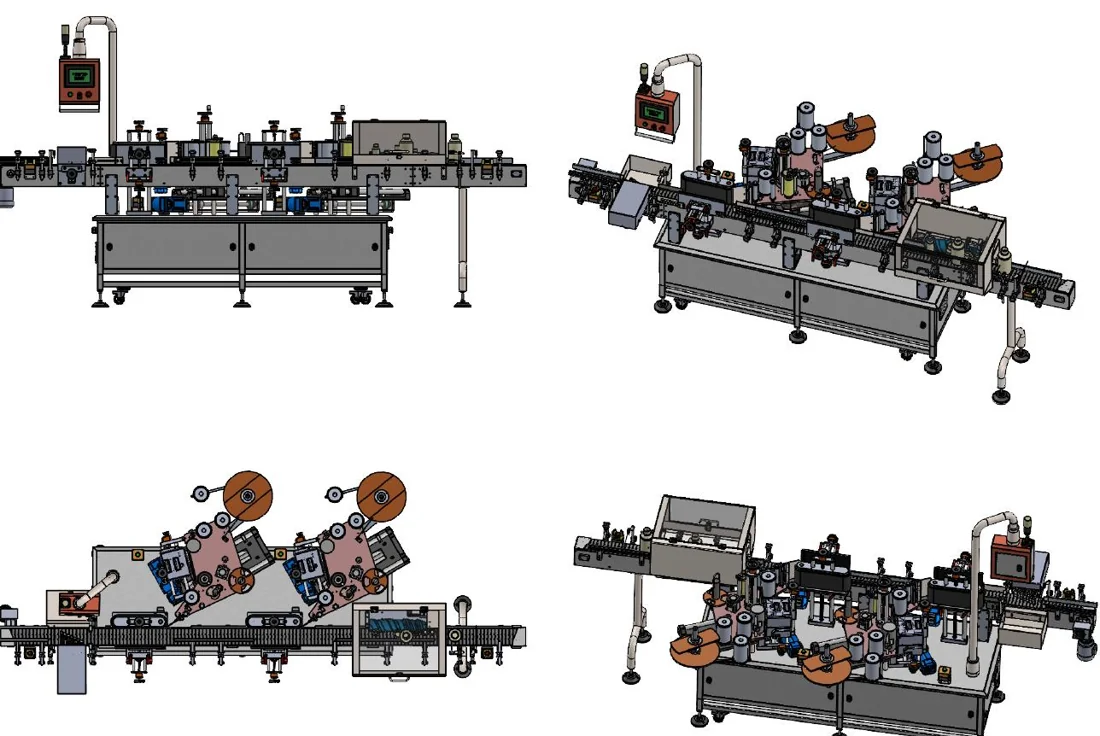
L17
Four coloured views show the relative positions of reel-fed heads, the conveyor and operator displays.
Enquire about L17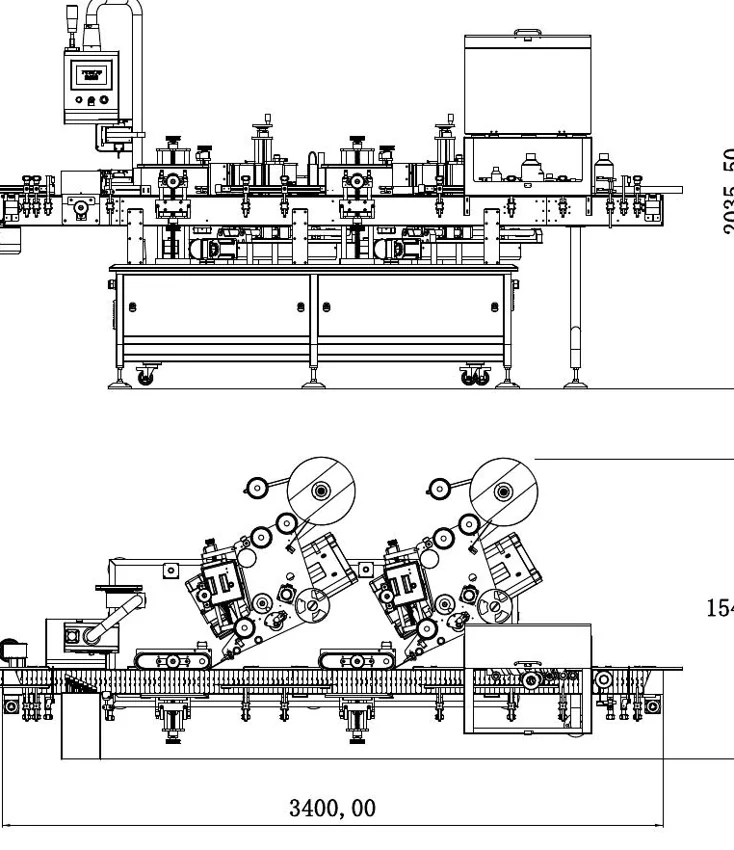
L18
Side and plan views show two reel-fed heads arranged around a central product path.
Enquire about L18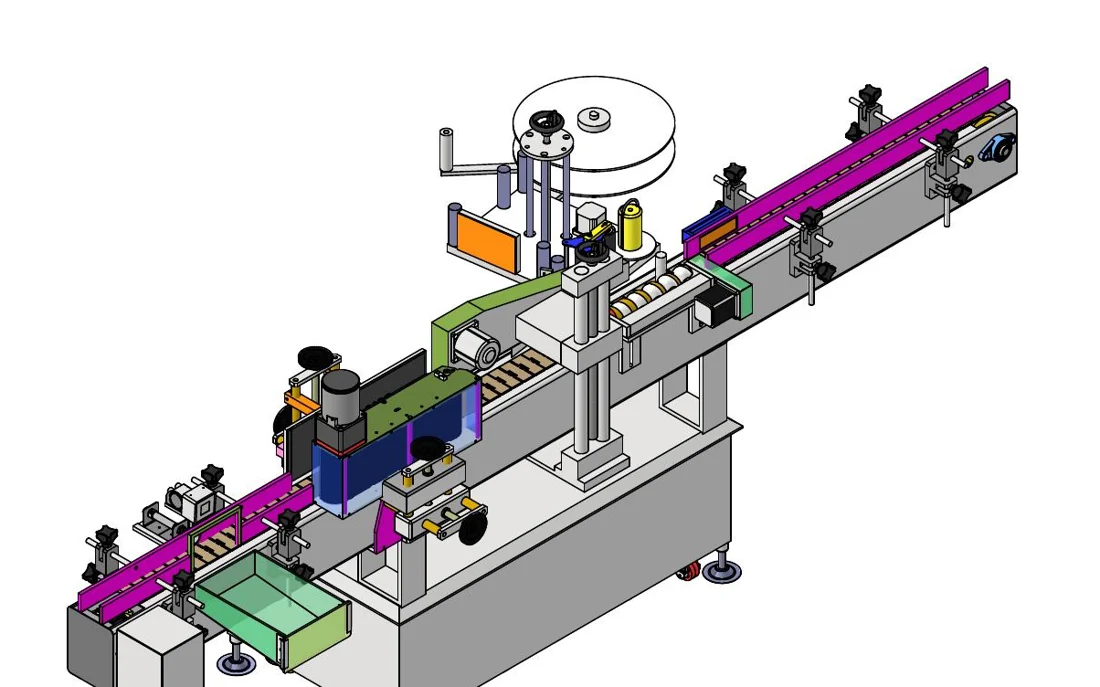
L19
The coloured assembly view shows the conveyor rails, reel-fed head, operator display and supporting cabinet.
Enquire about L19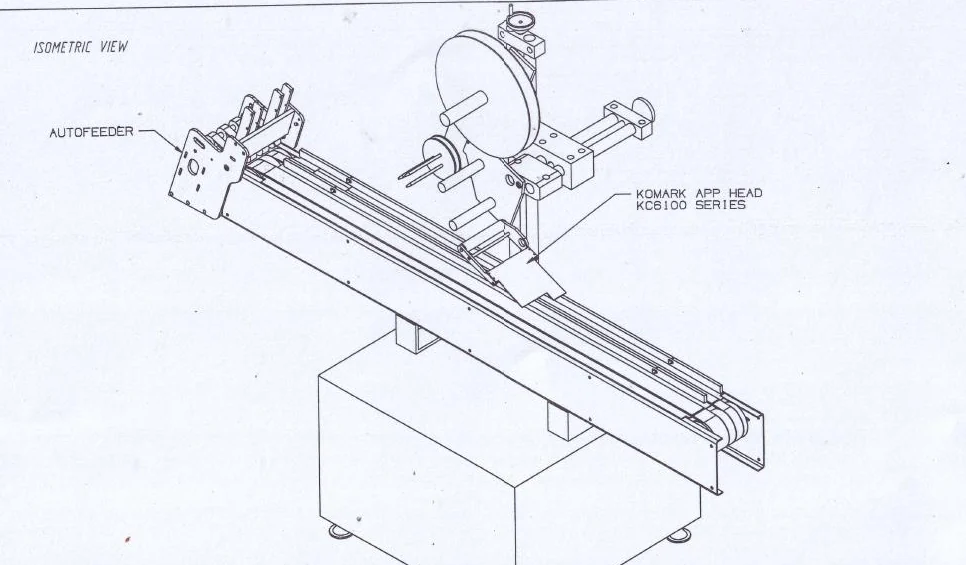
L20
An oblique drawing places a reel-fed applicator over the conveyor beside a cabinet. The image is a reference for discussing layout access.
Enquire about L20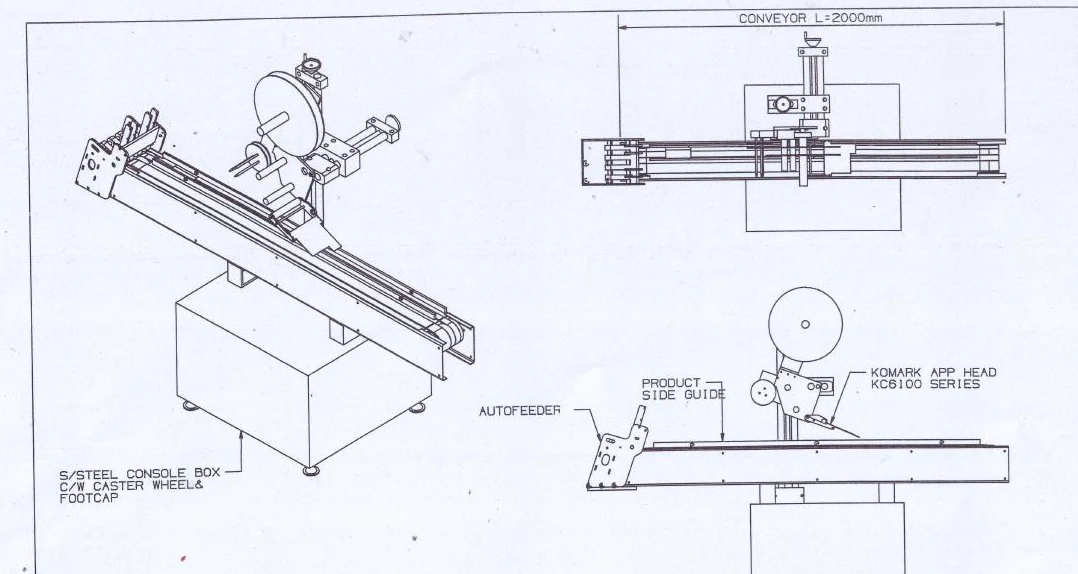
L21
Perspective, side and plan views help connect the conveyor route with the applicator mounting position.
Enquire about L21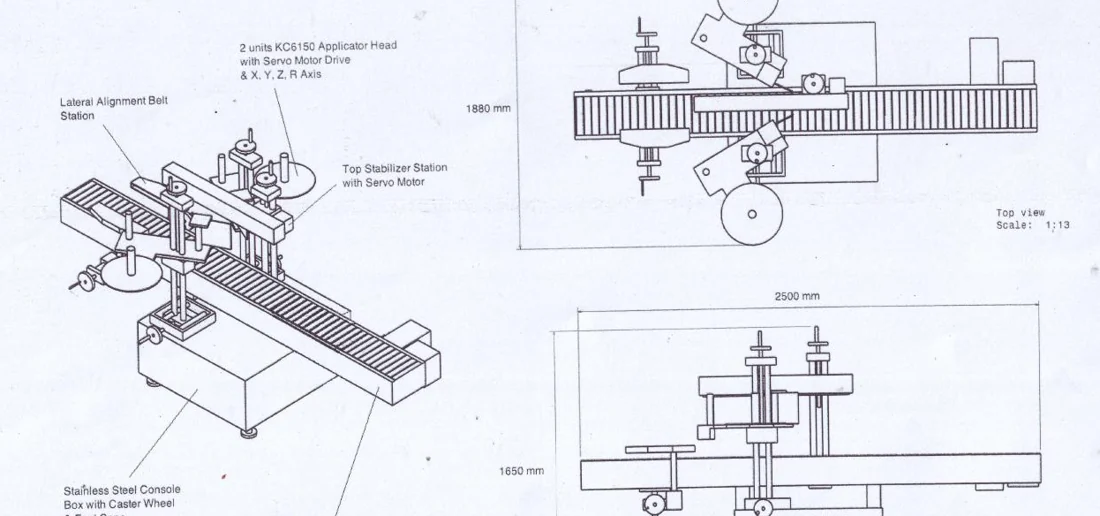
L22
The annotated arrangement shows a conveyor, guides and an application area in several views. The visible relationships support a product-handling discussion.
Enquire about L22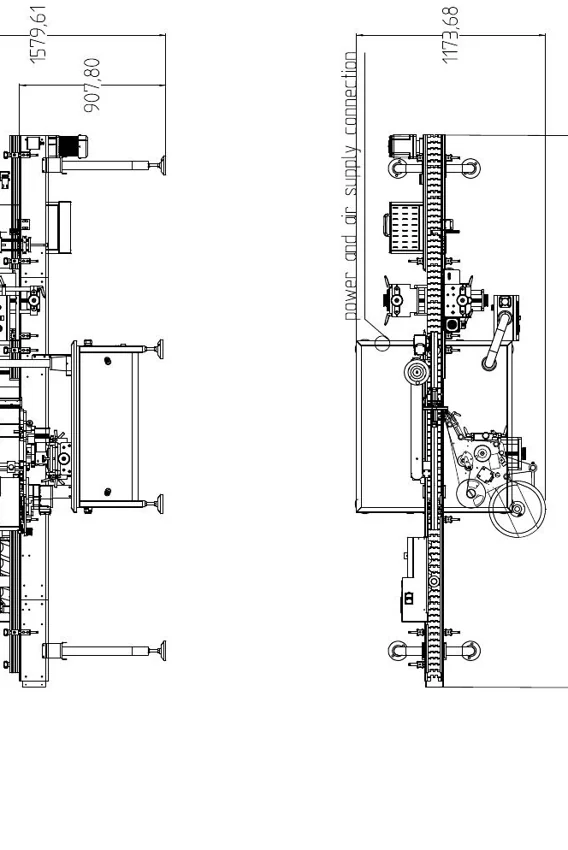
L23
Two plan-oriented views show how the central handling area connects to the incoming and outgoing conveyor sections.
Enquire about L23Existing public footage of a three-side labelling system. This application reference is separate from the engineering drawings; it does not identify a delivered model or establish your production results.
Video viewing notes—not a speech transcript. Observe the product path and label application. Confirm placement, detection and usable output with your own samples; this footage alone does not verify a model, speed or accuracy.
View the sample-test checklist →Archive drawing and training visuals—not a current model specification, manufacturing drawing download or safety manual. Components, guarding, controls and performance vary by configuration; references do not guarantee the scope of a new machine.
Share a product photo or sample, label dimensions, intended label position and target output. Toprint can discuss the layout and checks needed before confirming a configuration.